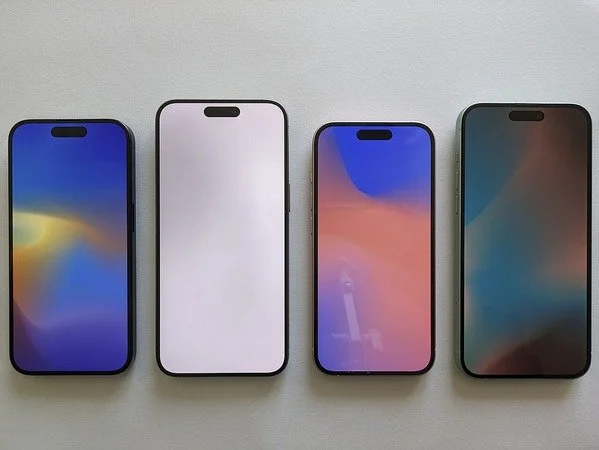
Apple advises installing the latest update available for your iPhone or iPad. Photo: Ka Kit Pang via Wikimedia Commons, CC BY-SA 4.0
Great Park residents who visited TalkTalk’s website or other affected sites on Monday 16 November should check any card payments they made and install the latest update offered on their iPhone or iPad. TalkTalk was among the websites identified after a cyberattack on a supplier used by major brands.
Security researcher Scott Helme identified malicious code connected to websites belonging to 178 organisations, including the BBC, Zoom and IKEA. The code was designed to capture card details entered online, divert cryptocurrency payments and target some Apple devices. The number of people whose details were taken remains unconfirmed. Read the reporting on the wider incident.
The affected supplier, Optimizely, provides a tool that websites use to test changes to their pages. It said on Tuesday that it had fixed the flaw and removed the malicious code from affected projects. Read Optimizely’s incident update.
What TalkTalk customers should check
The reports concern TalkTalk’s website. If you used it on 16 November, particularly to enter card details or pay a bill, check your TalkTalk payment history and look through your bank transactions for anything you don’t recognise. Get to My Account through TalkTalk’s own site or use its official support page. TalkTalk account and support options.
What this means for HSBC UK customers
Published reports identify overseas HSBC websites, including the bank’s US and Hong Kong sites. HSBC UK’s retail banking website is absent from the published list. For a Great Park resident who banks with HSBC UK or any other bank, the relevant question is whether you entered card details on an affected website that day. If you did, check your transactions. See the reported website details.
If a payment looks suspicious, contact your bank promptly through its app or the number on the back of your card. HSBC UK lets customers temporarily block a card using its app or online banking. HSBC UK’s fraud and card support.
Update your iPhone or iPad
Open Settings → General → Software Update and install the latest update available for your device. Open Settings yourself if you receive a text or email asking you to update. Apple’s iPhone and iPad update guide.
If a message claiming to be from TalkTalk, HSBC or Apple asks for card details, a password or a one-time code, contact the company through its official website or app. You can forward suspicious texts to 7726 and suspicious emails to report@phishing.gov.uk. GOV.UK guidance on reporting phishing.